
Project · New Product Launch
MyPerkPay
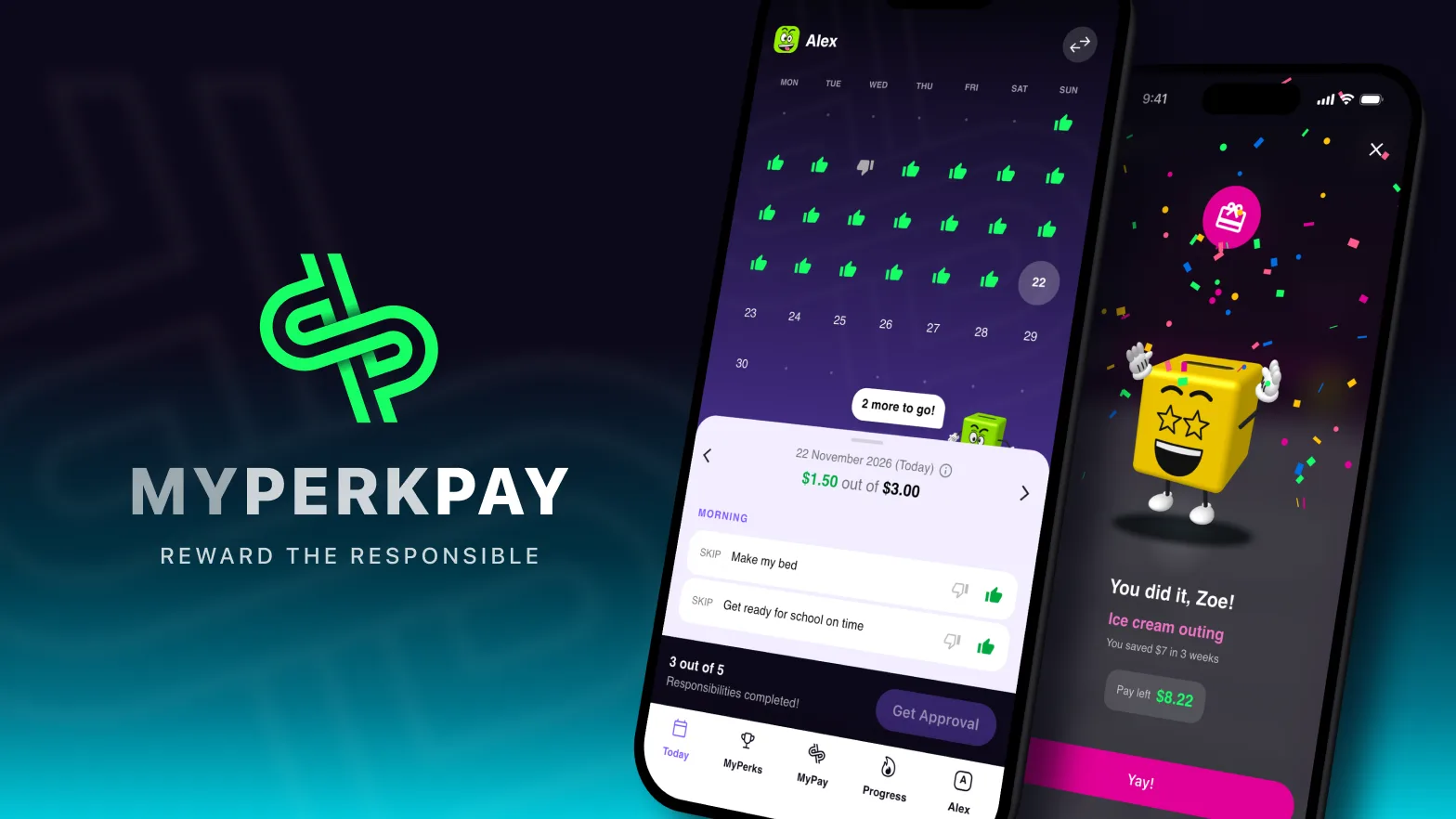
A family app from first idea to the App Store. Do the work, earn the perk.
The brief
There wasn't a brief. It was my own experience that led to creating MyPerkPay.
I made a creative, visual system on a digital whiteboard to help my son start owning his future and finances, even at the age of 7. Over time what I did with him worked, and now it's become an app other families can use in their homes too.
Teaching a child to become responsible can be hard, especially if there are strong-willed parents and children, and misaligned expectations, especially age-appropriate ones. Personalities, resources, values, childhood experience and current financial status often define how our kids grow up and view the world, respond to it and act in it.
MyPerkPay is about making this whole cycle in life fun and easier.
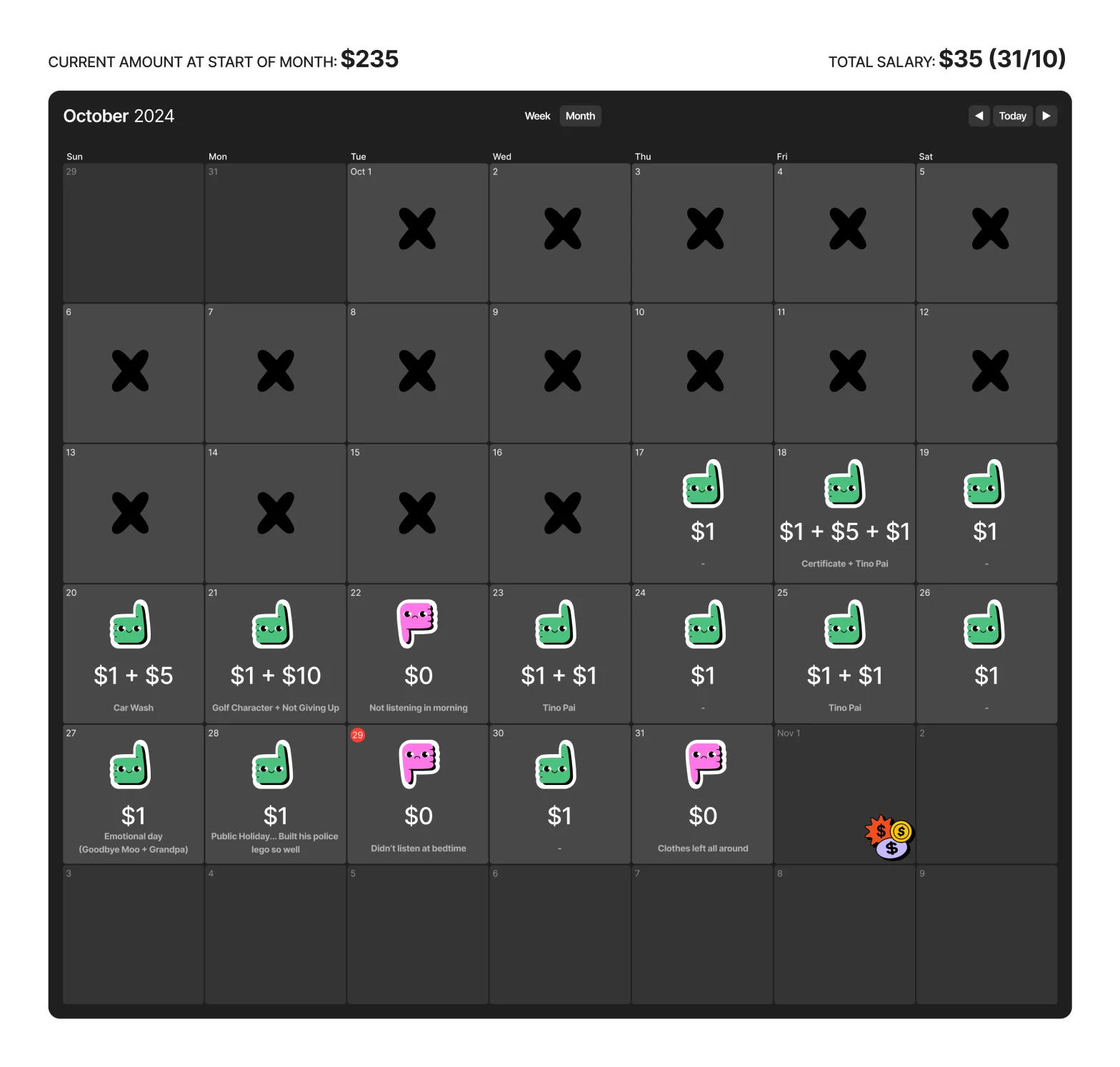
Power struggles are a real problem, and so is inconsistent pocket money, or saying 'Yes' to every squeal or tantrum a child throws to get their way or the toy they see.
Pocket money is random. It arrives when a parent remembers, or when a child asks at the right moment, so there is no link between what a child does and what they get.
MyPerkPay is where a parent sets responsibilities, a child earns perks for doing them, and the family learns how money works along the way. 'Do the work, earn the perk.'
What we set out to build
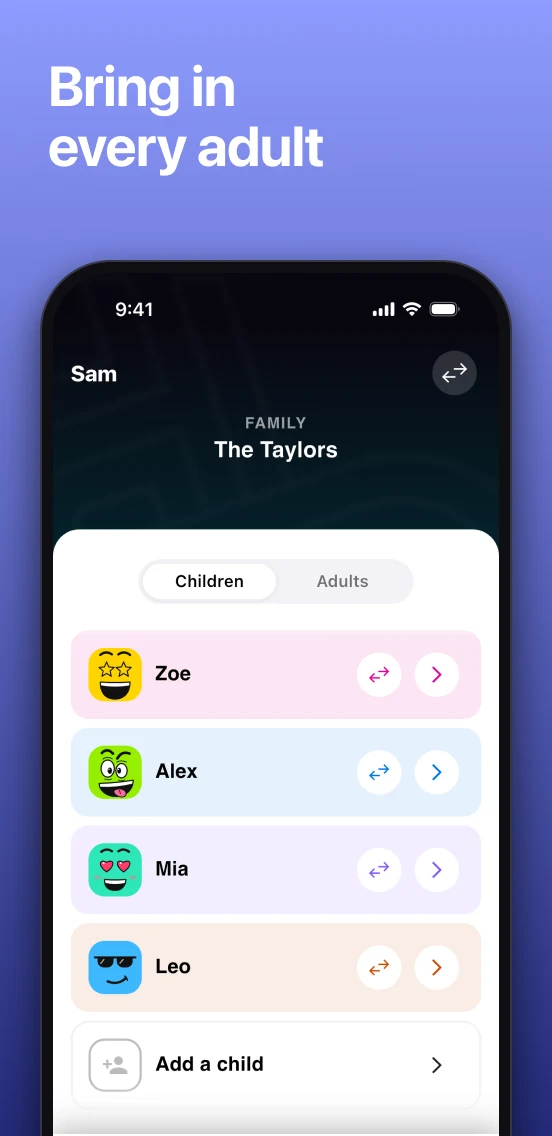
- Two or more users in one app, a parent and a child or the whole family, each with their own login.
- iOS and Android to make a bigger impact on the next generation.
- A two-person team.
- A shared space where parents and children finally work together.
- Everything a launch needs, not only the screens.
Responsibilities
I led product and design end to end.
Francois led engineering, from the development stack to App Store Connect, analytics, hosting and security.
- Product strategy, the values behind it and competitor research.
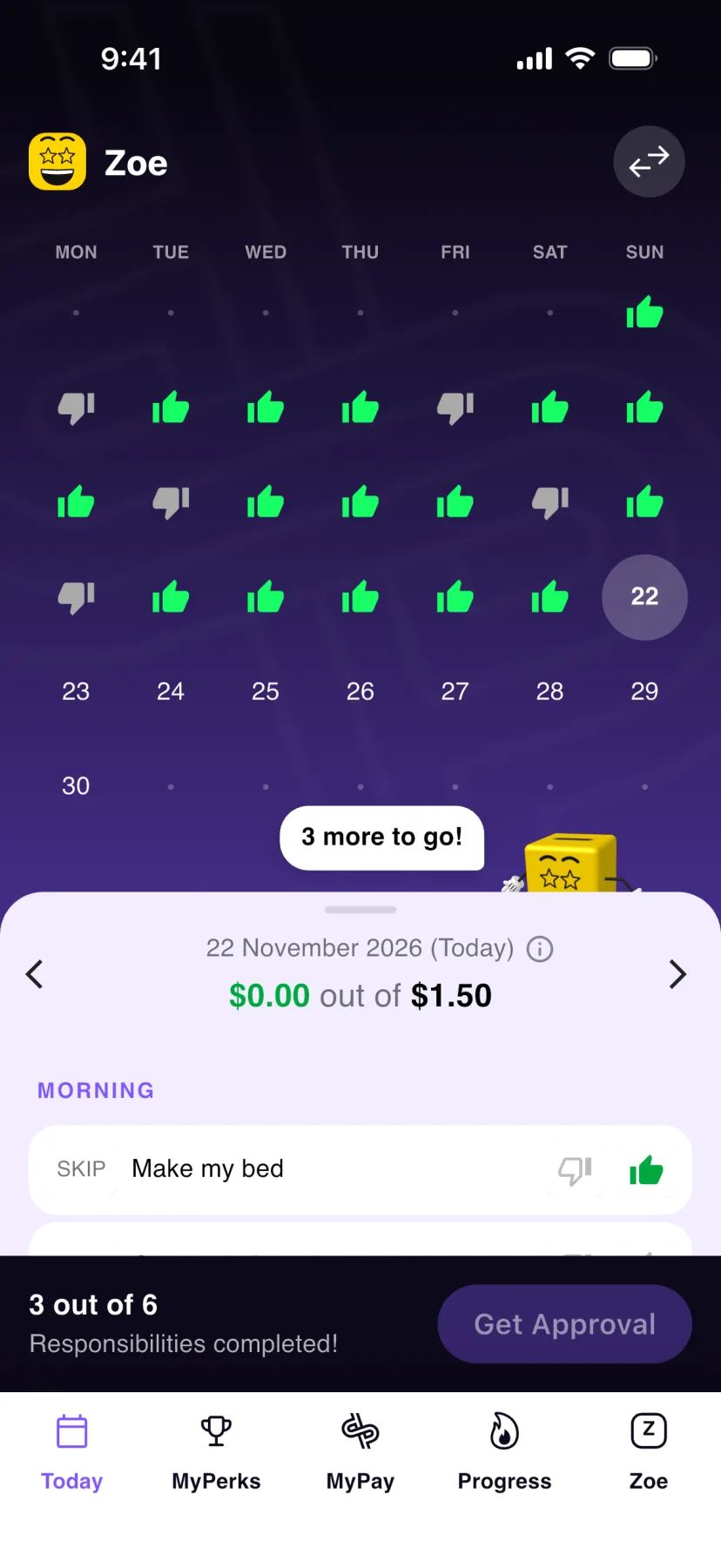
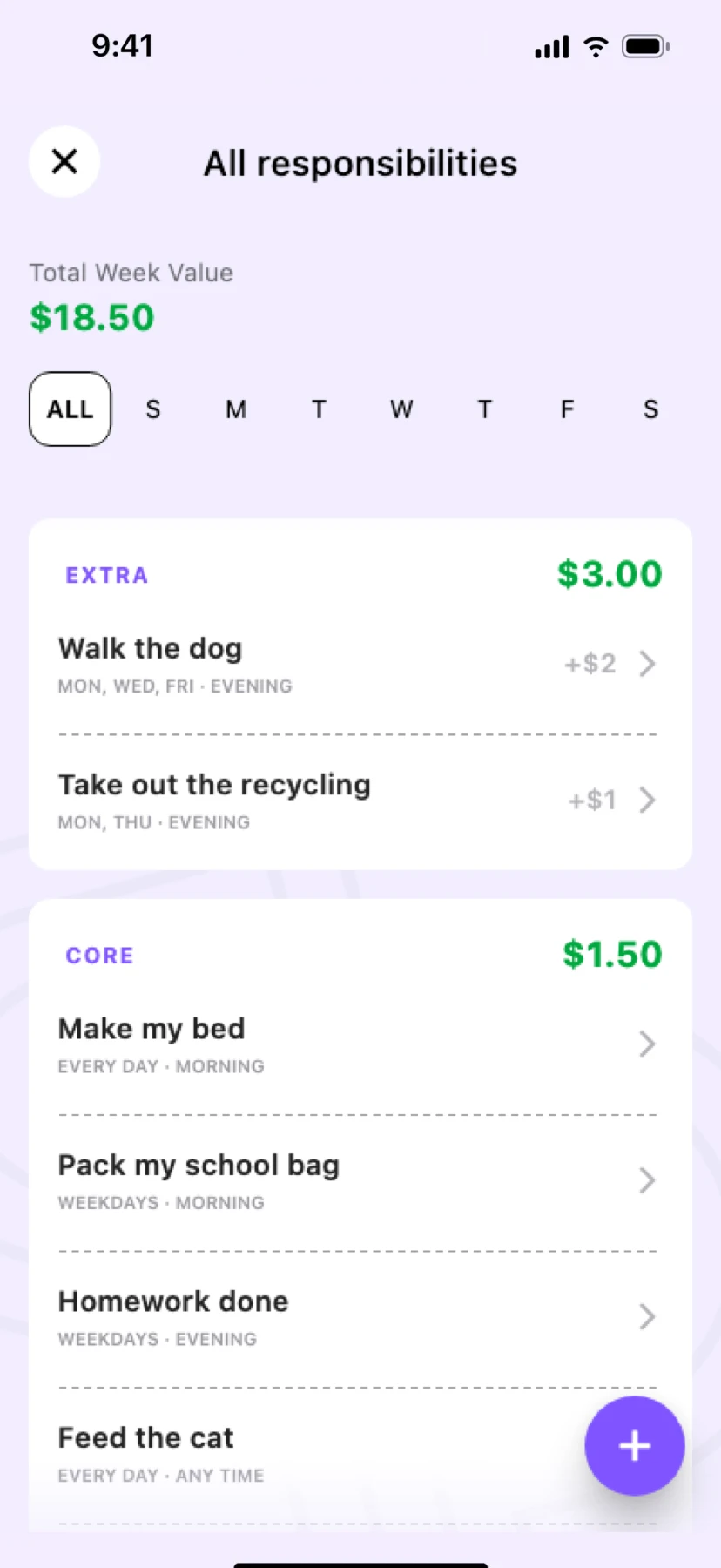
- UX for two users, mapped across many screens, multiple user journeys and states.
- UI design in Figma and Claude Code for max efficiency and collaboration.
- Brand, logo and a Design System, built alongside the product.
- Full website design and asset creation for MyPerkPay.
- All marketing and social media management from inception to post launch and ongoing.
- Tandem development with Francois in Claude Code and all surrounding software to launch a successful product.
- We both kept testing, to make sure of maximum joy and minimal bugs at launch.
- Launch work with Francois, from business setup to the App Store listing, paywall and FAQs and the final (or first) 'Distribute' button push.
Direction, judgement and leadership
The values were held before any features were built
Raise a competent child, connect the family, build relationships between parents and kids, set the right expectations, reduce those power struggles and arguments, make responsibility something fun and to be desired, and take the fear out of a family's financial future. If any ideas did not drive these, it was deferred or abandoned.
The child is a real user here
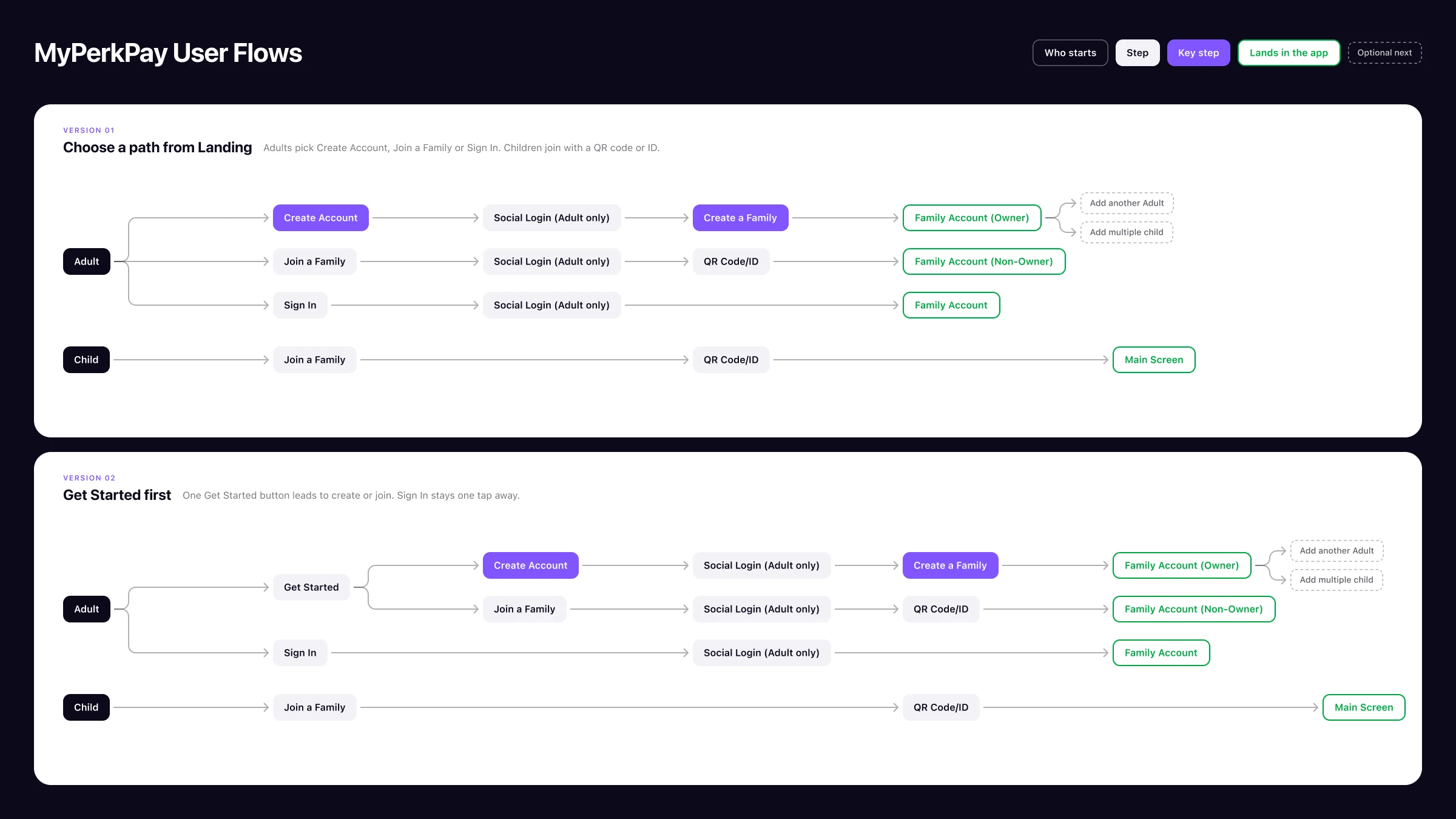
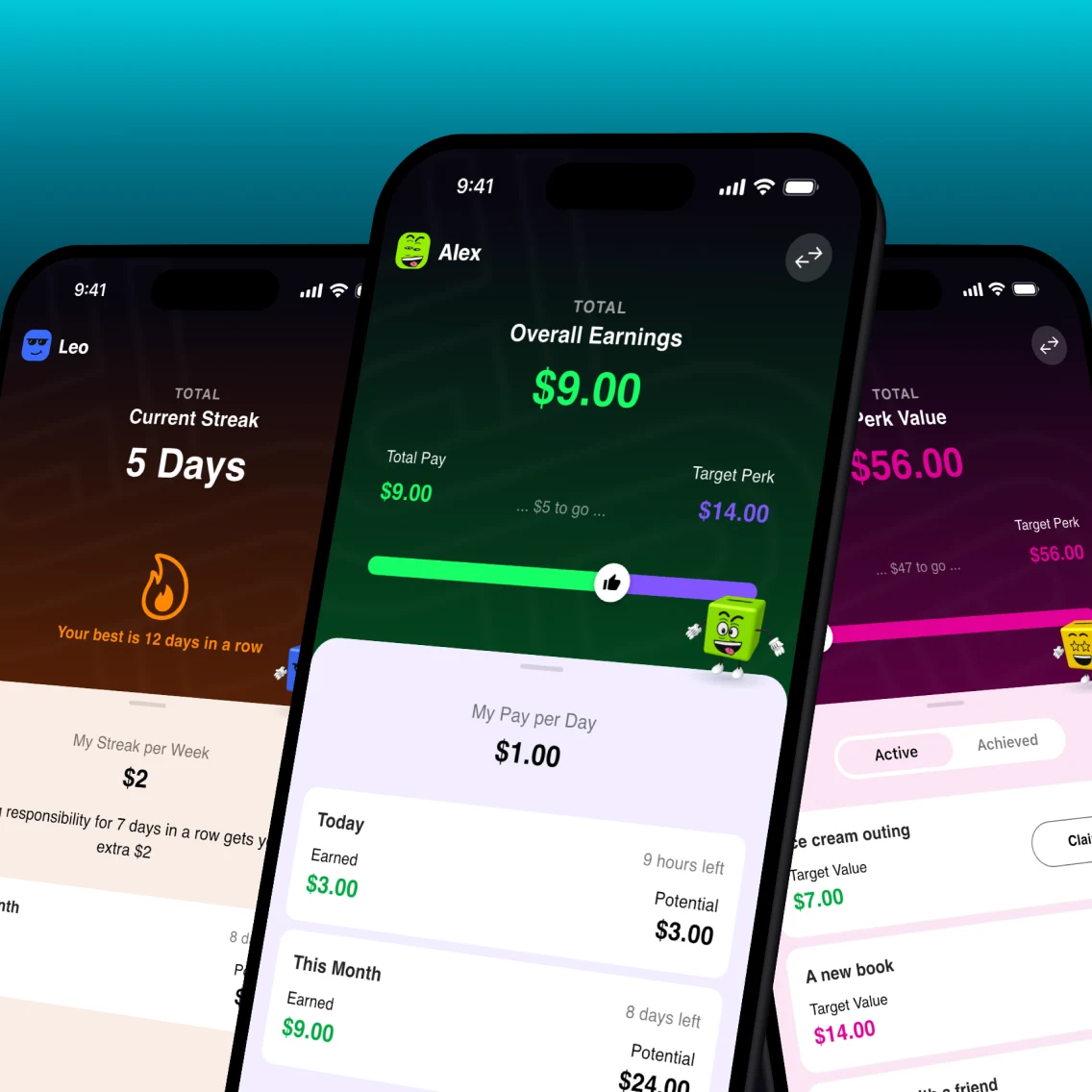
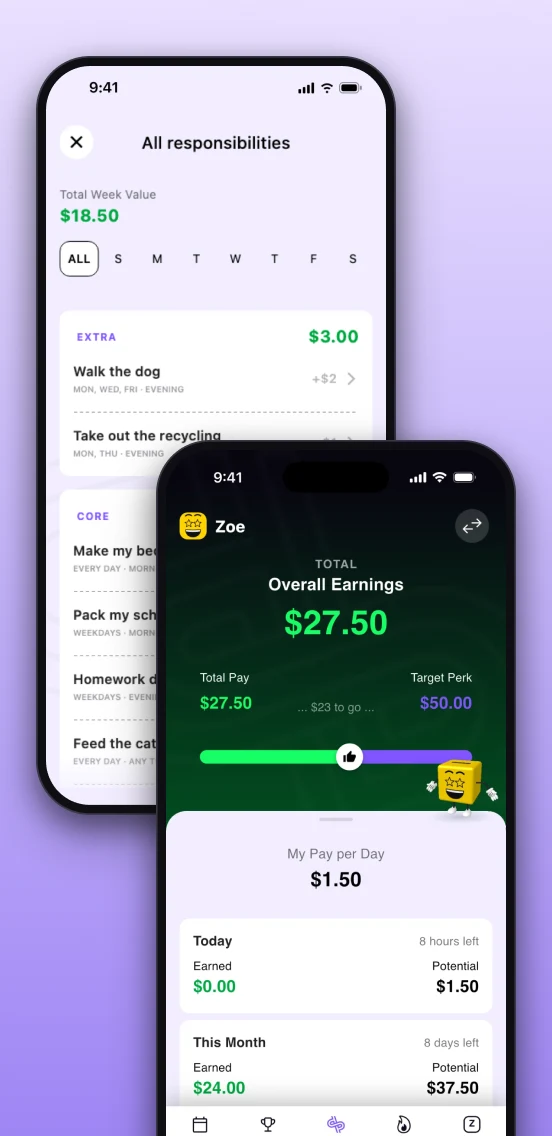
I want the next generation, including my son, to be best prepared for life and the real world, so focusing my attention on the impact and experience of the app more centred around the child is the primary focus. Of course we don't neglect the parents, but here, kids come first. As a result, children get their own login, with a passcode instead of an email address, and their own dashboard. That decision shaped almost everything after it.
Approval for the entire family, not a behaviour audit
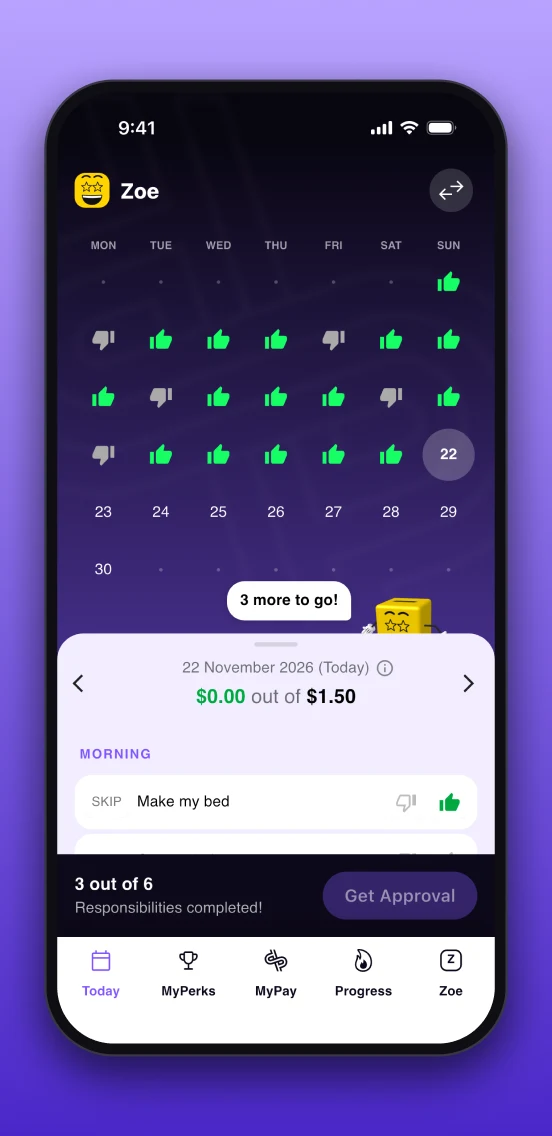
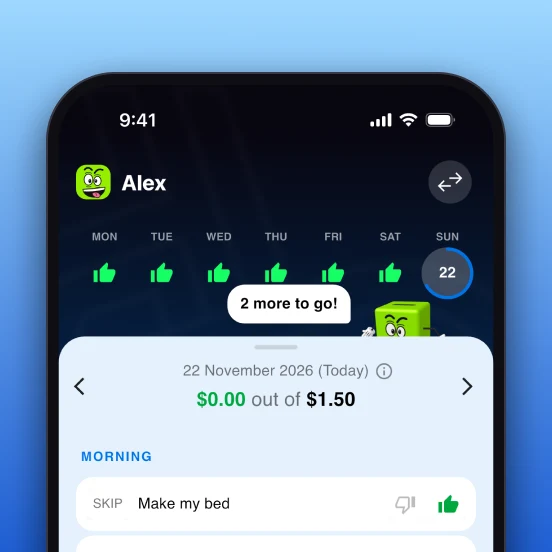
The child ticks off a responsibility and the parent approves it. A check becomes a small moment of recognition between them. Helping parents be an active part of their children's success and growing self-esteem.
Streaks that do not punish
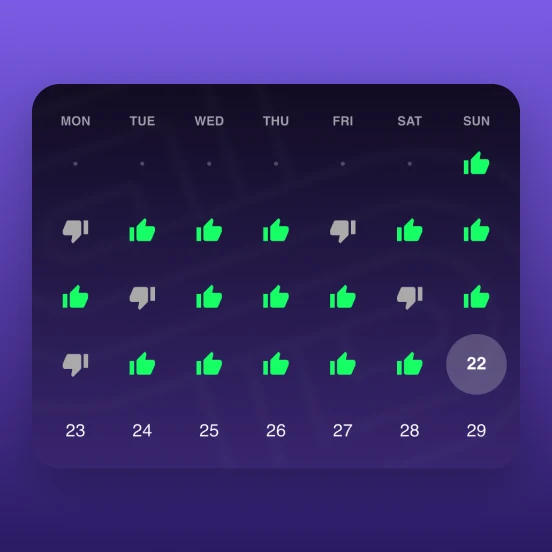
Every child app has streaks. If a parent forgets to approve a day, the child should not lose their streak. We treated unconfirmed days differently from missed days. Our goal is for habits to be formed, not children to spend more time on a device. We want the device to drive responsible kids.
Designed for a real home
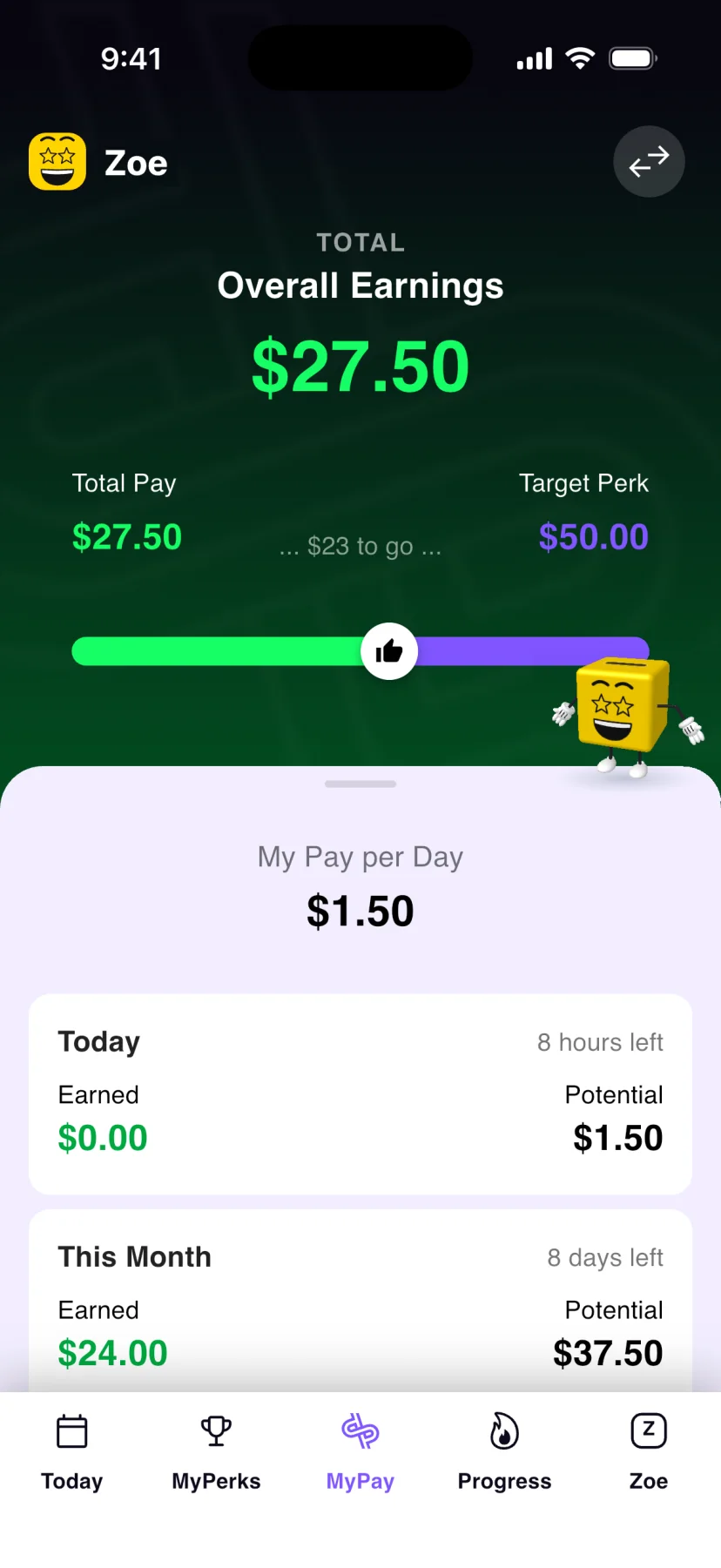
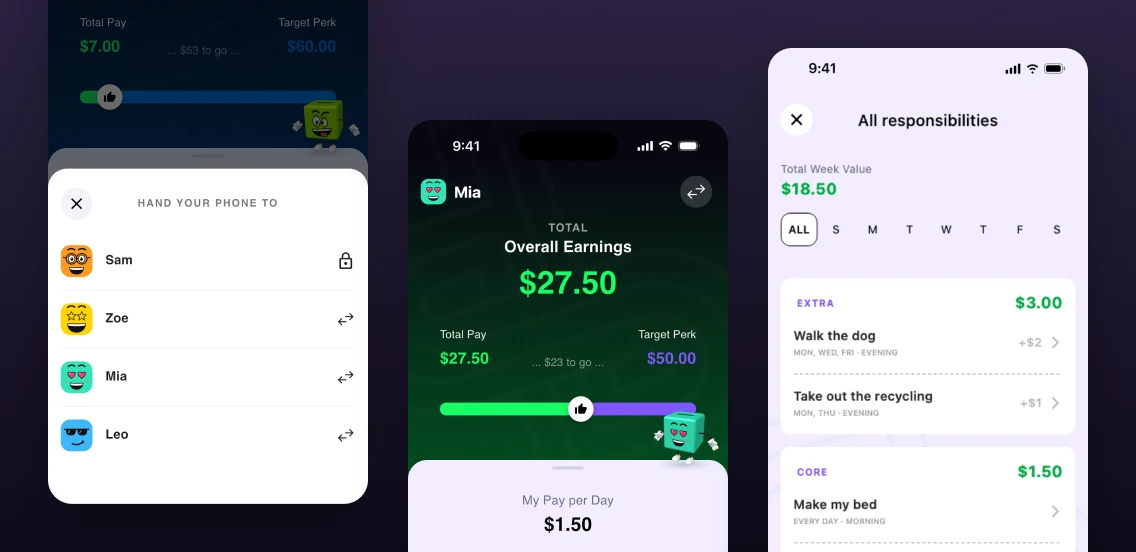
In most homes one phone gets passed around because smaller kids don't have their own device, so switching between profiles was key to the core experience and had to be quick and intuitive.
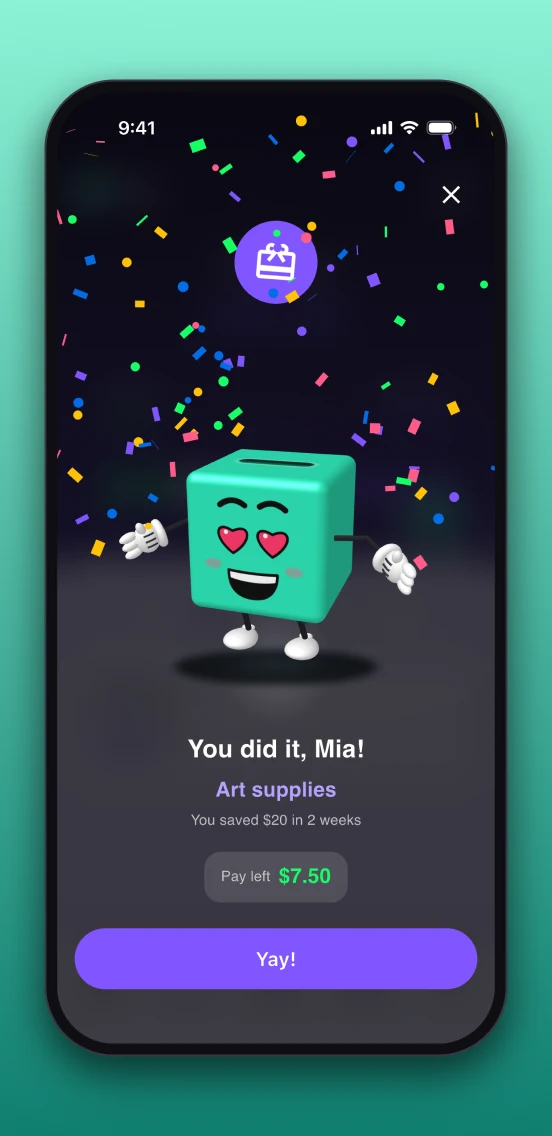
Claiming perks needed to bring the feels
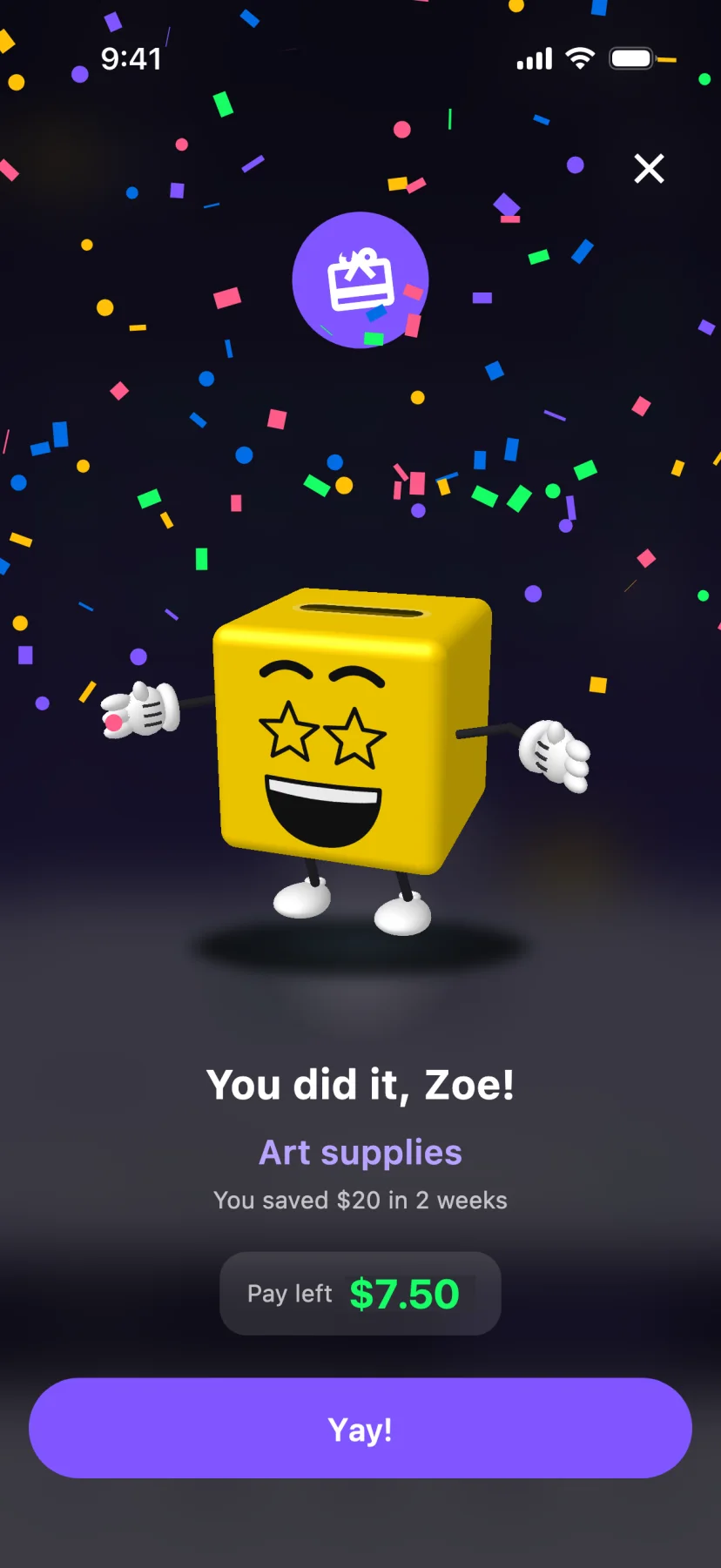
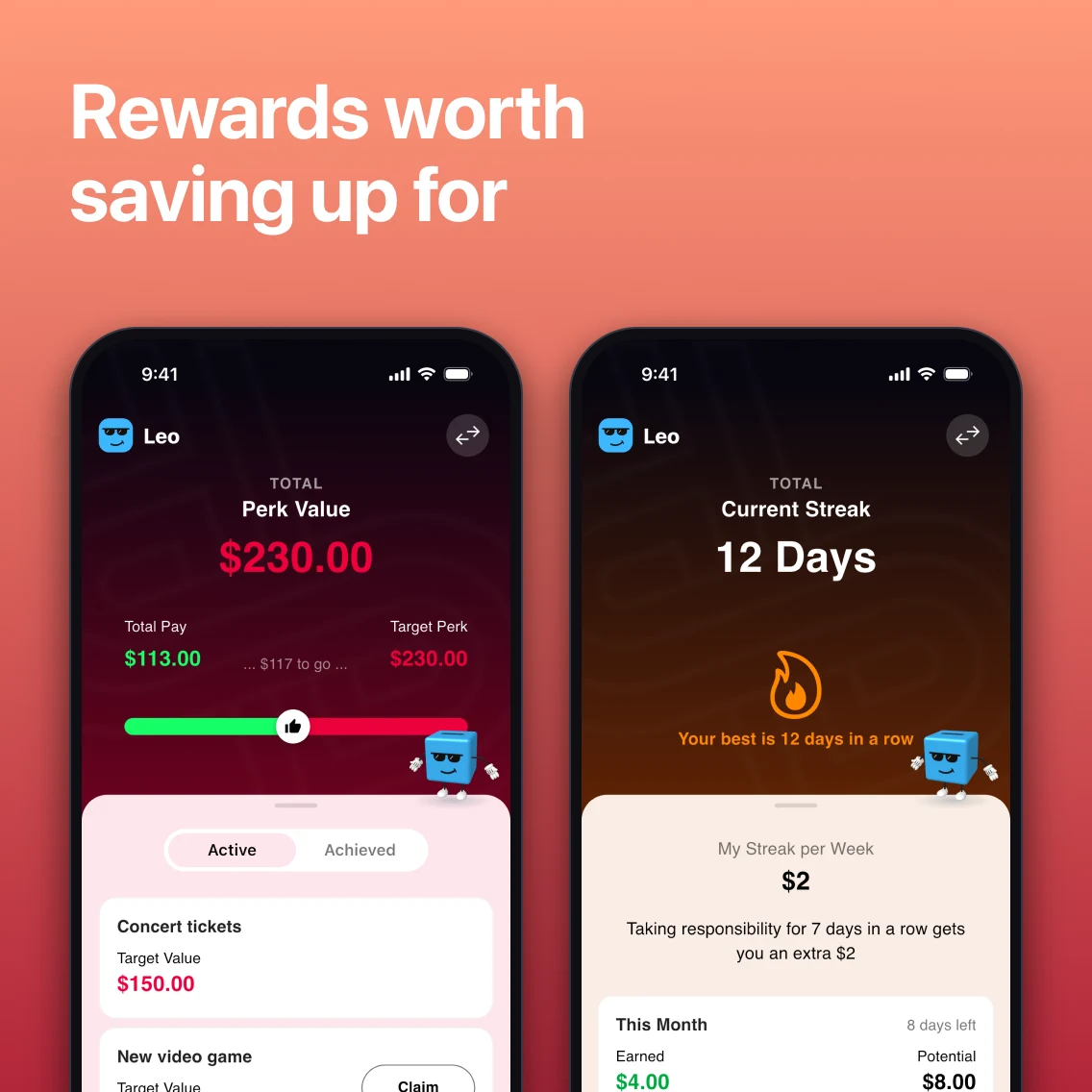
Claiming perks with earned pay is the reward for days or weeks of effort, so it cannot feel cheap. It needed to reinforce a belief of self-confidence and produce a joy not felt in other ways. It needed to drive motivation and a desire to be more responsible. None of MyPerkPay would be successful if this did not happen for a child.
It's more than a to-do list
A shared place of alignment on expectations and what needs to be done, that a child wants to view and tick off. If you think this is only about chores and pocket money, I haven’t done a good enough job.
Process, outcomes and deliverables
- Project started. Values, competitor research and conceptual design. See design and logo evolution.
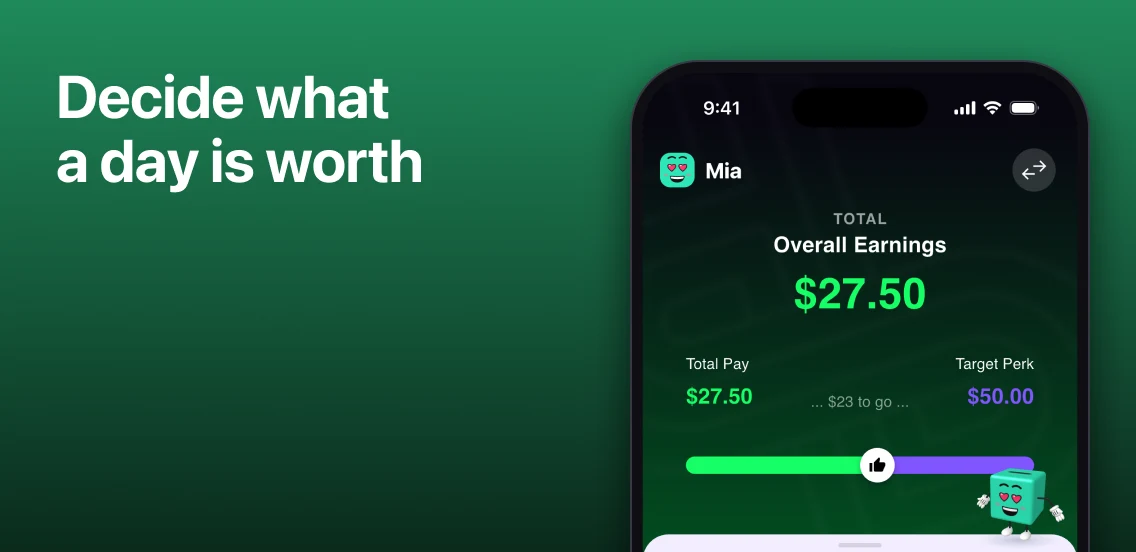
- Prototyped and designed 500+ screens and multiple user flows and states mapped to get to where it's working well.
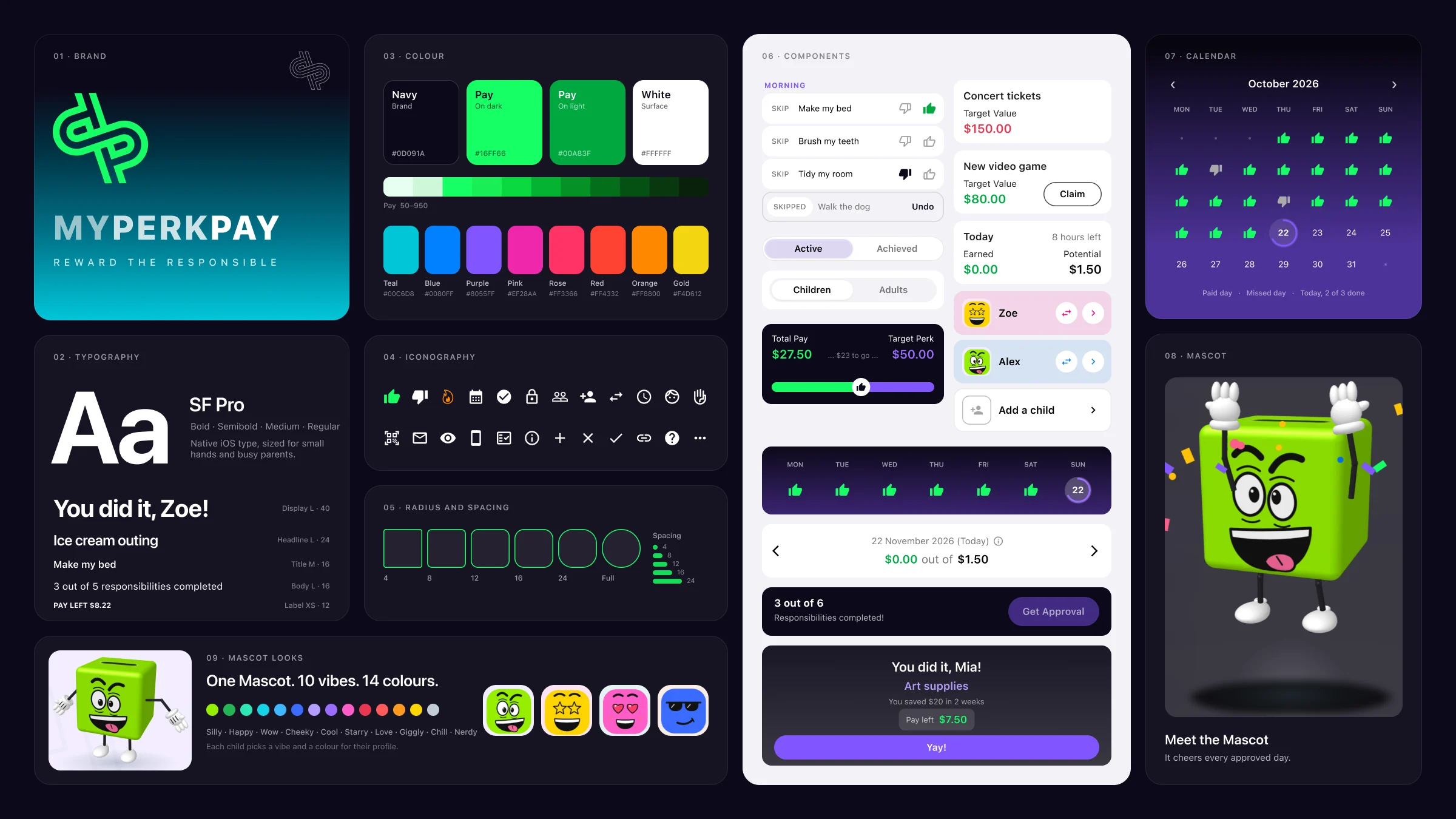
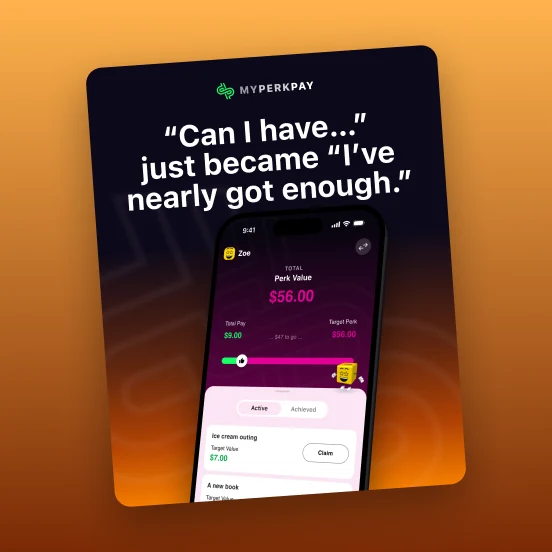
- Branding, logo design, Design System, UI in Figma and Claude.
- Full website design and asset creation for MyPerkPay.
- App Store Connect, analytics, hosting and domains set up. Claude added to my design workflow.
- Build and testing.
- Pre-launch marketing.
- Paywalls, App Store listing and FAQs.
- Live on the App Store soon.
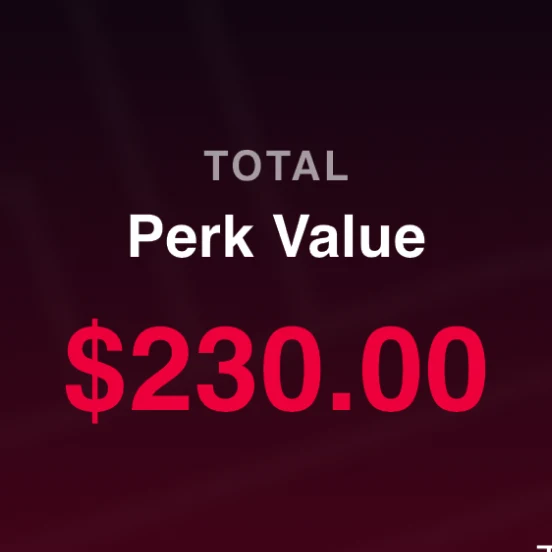
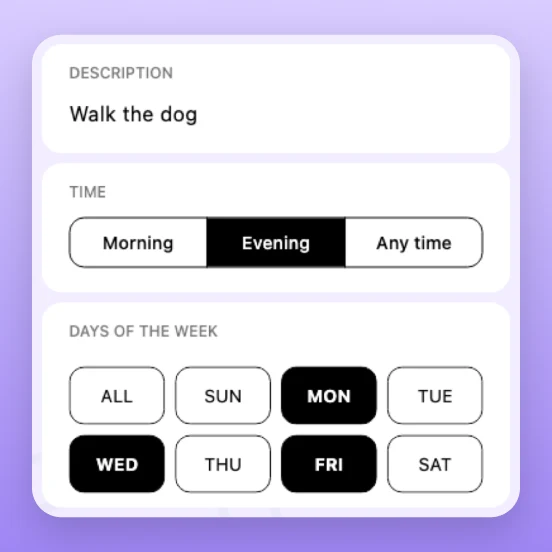
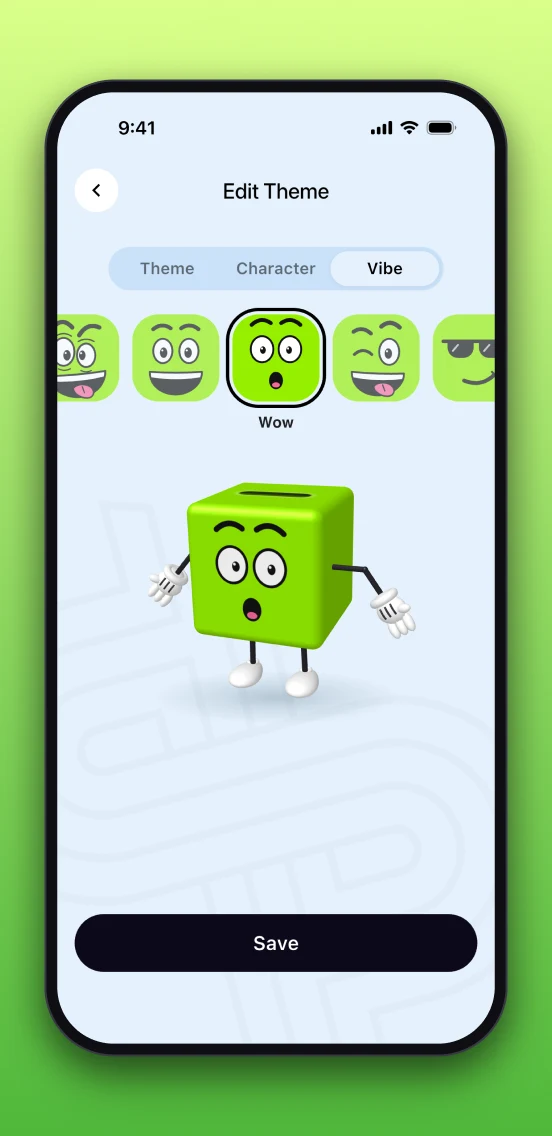
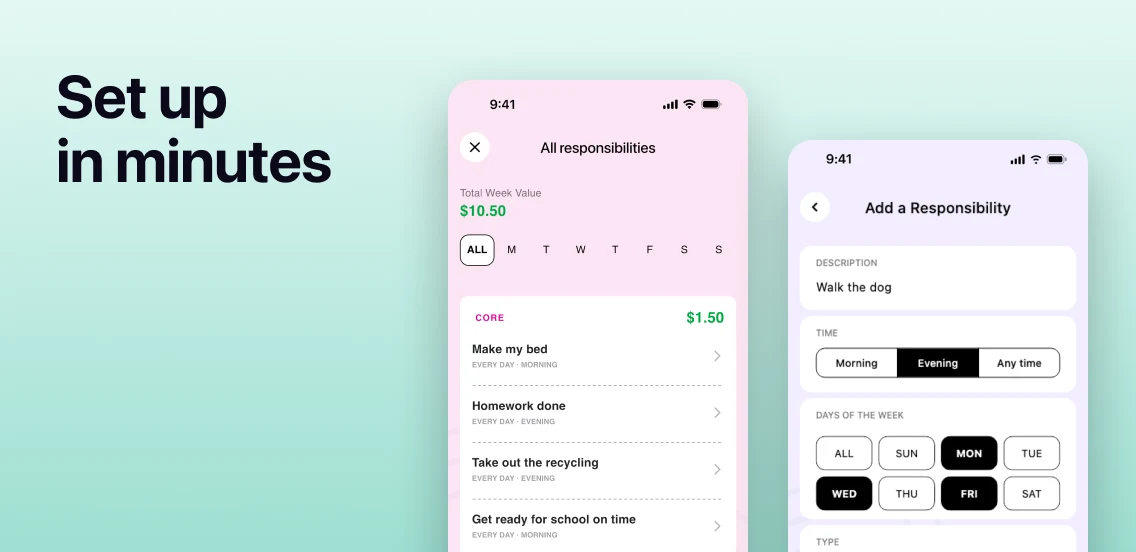
Brand, Design System and UI examples

Results
Downloads
Soon
Families signed up
Soon
App Store rating
Soon
Conversion to paid
Soon
What I learned
- It is best to have the values defined and decided up front. It was the fastest way to say no to good ideas that were wrong for this product.
- Two users means two products. Most of the hard decisions sat in the gaps between the parent and child flows.
- Admin is part of the product. Registering a business, moving accounts and owning domains compete with design for the same evenings. Time management is critical and allowing time for creative flow is ok.
- The emotional moments matter most. A child remembers the moment they claimed their first pay, so that is where the design effort should go.
What next
We have so much more coming, and we are planning to continually improve and refine MyPerkPay to meet the vision.
Feel free to follow along, and keep your eyes peeled as we evolve.
“Jarrod puts the customer first and cares about every detail. Every time we brainstormed, the idea got clearer and stronger, until it was something families can understand and use in seconds.”
Get in touch
If you’re taking a product from idea to the App Store, I can take it the whole way with you.
Let’s talkDownload MyPerkPay, or share it with a family who needs it. App Store link coming soon.